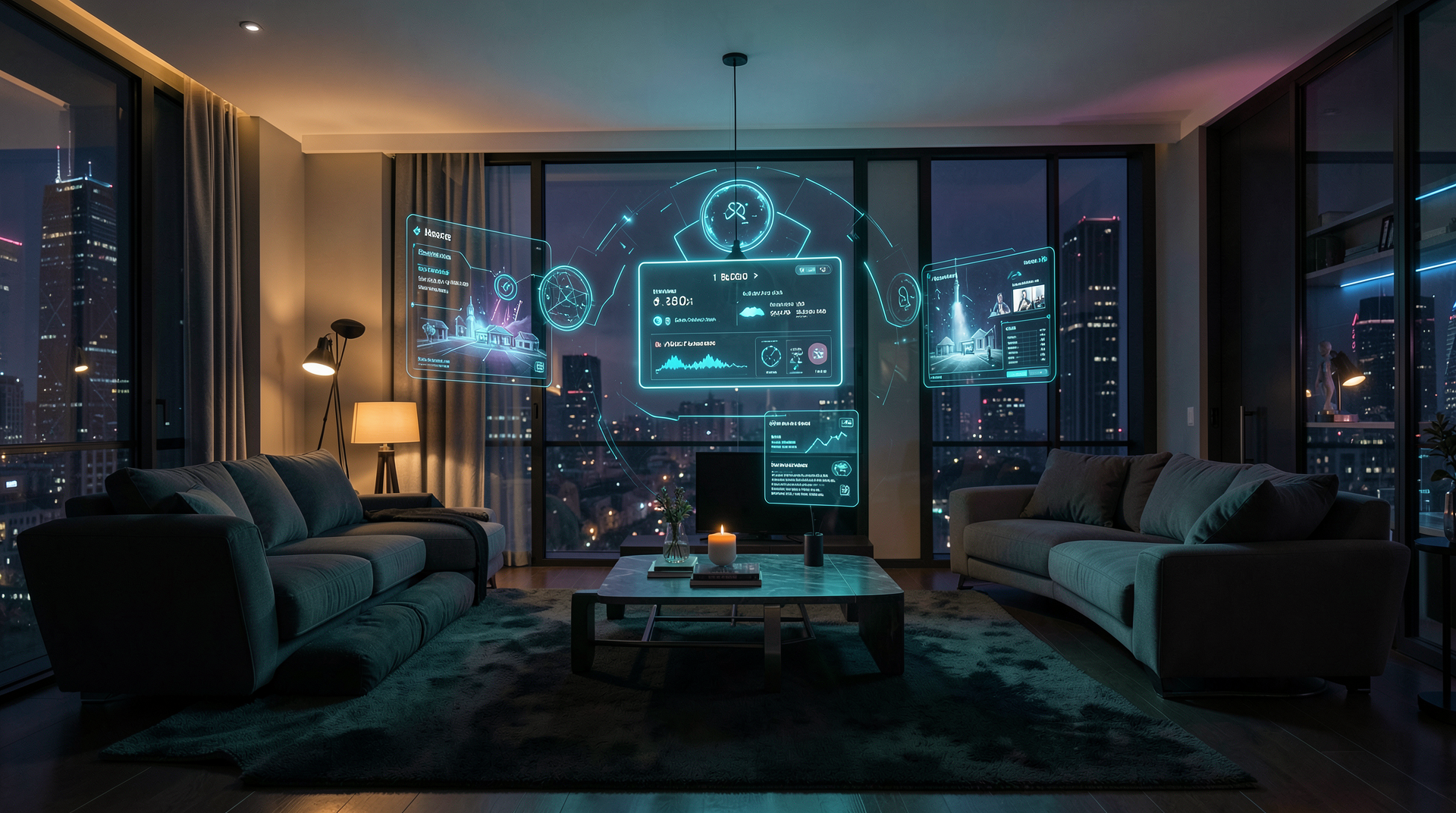
If your smart home can do everything except understand what you actually meant, you're not alone. Most home automation today is a collection of rigid scripts: "turn off lights at 11 PM," "set thermostat to 20° if nobody's home." Functional, but far from intelligent.
That's changing. Retrieval-Augmented Generation (RAG) — the technique behind the current AI boom — is finding its way into smart homes, and it's a genuine paradigm shift. Instead of a system that follows fixed rules, RAG lets your home understand context: who you are, what you prefer, what you've done before, and what makes sense right now.
And the best part? It runs entirely on your hardware. No cloud, no subscriptions, no data leaving your home.
What Is RAG, Really?
RAG stands for Retrieval-Augmented Generation. It's a pattern where an AI model has access to a searchable knowledge base — a collection of information it can query before generating a response.
Think of it this way. A standard LLM knows what it was trained on (the internet, up to a certain date). But it doesn't know you. It doesn't know your thermostat model, your morning routine, your kids' bedtime, or that you prefer the kitchen lights at 40% brightness when making coffee.
RAG fixes that. It gives the AI a way to look up relevant information at the moment you ask. When you say "I'm going to bed," a RAG-powered home doesn't just run a "goodnight" scene. It retrieves: your usual sleep schedule, the current temperature in each room, whether the doors are locked, and whether anyone else is still awake — then acts accordingly.
2. Retrieve: The system searches its knowledge base for relevant context — your preferences, sensor data, device info, calendar.
3. Generate: The local LLM combines your command with the retrieved context and decides what to do.
4. Act: The action executes through your smart home platform — lights, thermostat, locks, media — all via local APIs.
What Changes When Your Home Has a Knowledge Base
Let's compare a traditional smart home to a RAG-powered one with concrete scenarios.
Scenario: "It's cold in here"
Traditional smart home: Can't interpret the statement. It's not a command, and there's no "feeling cold" sensor. The user has to say "set thermostat to 22 degrees" explicitly.
RAG-powered home: Retrieves the current temperature (18°C), your historical comfort preferences (you usually set it to 21° in the evening), and the outside temperature (12°C). Responds: "It's 18° right now — I'll warm it up to 21°. Want me to close the blinds too to keep the heat in?"
Scenario: "Movie mode"
Traditional smart home: Runs a preset scene — dim lights to 10%, close curtains, turn on TV. Every time, exactly the same.
RAG-powered home: Checks the time of day, whether it's a weekend, who's home, and what you usually watch on Friday nights. Adjusts lighting differently for an afternoon kids' movie vs. a late-night thriller. Picks the right TV input. Sets the soundbar to night mode if the kids are asleep.
Scenario: "Is anyone coming over today?"
Traditional smart home: "Sorry, I don't understand."
RAG-powered home: Checks your calendar, retrieves the "Dinner with Sarah at 7 PM" event, cross-references the grocery list app. Responds: "Sarah's coming at 7. Your grocery list has 3 items unchecked — want me to remind you to stop at the store? Also, should I set the dining room scene for dinner?"
What Goes Into the Knowledge Base
The power of RAG comes from what you put in the retrieval store. A well-built smart home knowledge base includes:
- Device manuals & capabilities — What each device can do, its local API endpoints, supported commands. "Can this light bulb support 2700K warm white?"
- User preferences — Temperature preferences per room, lighting scenes by time of day, audio levels, privacy rules (e.g., "no camera recording in bedrooms")
- Schedules & routines — Work hours, school runs, sleep schedules, recurring events
- Sensor history — Past temperature/humidity patterns, energy usage, motion patterns — so the system can detect anomalies
- Occupancy profiles — Who lives in the house, their typical presence patterns, guest vs resident differentiation
- Calendar integration — Upcoming events, travel plans, appointments
All of this sits on your local network. The embeddings are generated by a local model (like all-MiniLM-L6-v2 or bge-base-en-v1.5), stored in a local vector database (ChromaDB, Qdrant, or even SQLite with vector extensions), and queried in milliseconds.
Local RAG vs. Cloud AI: No Contest
| Dimension | Cloud AI (ChatGPT, Alexa) | Local RAG (Edge Hardware) |
|---|---|---|
| Response time | 500ms–3s (network round trip) | <200ms (local inference) |
| Privacy | Your voice & home state sent to cloud | Everything stays on your network |
| Offline capability | None | Full offline operation |
| Context window | Limited by API context (8K–128K tokens) | Entire knowledge base, any size |
| Subscription cost | Monthly fee + per-token costs | One-time hardware, zero recurring |
| Customization | Vendor-controlled, limited skills | Full control over knowledge base & models |
| Reliability | Depends on internet + cloud uptime | 100% local, no external dependencies |
Why This Matters for Smart Home Installations
If you're building a smart home — whether for yourself or for clients — the difference between a "smart" home and an intelligent home comes down to context.
A well-configured RAG system turns your home from a device collection into something that genuinely understands how you live. It's not about adding more sensors or more automations. It's about giving the existing system the ability to reason about what's happening.
This is where the industry is heading. The next generation of home automation won't ask you to speak in rigid command formats. It'll understand natural language because it has the context to interpret it. And it'll do it without your data ever touching a cloud server.
all-MiniLM-L6-v2 (384-dimensional vectors) or bge-base-en-v1.5 (768-dimensional). Vectors are stored in a local database like ChromaDB or Qdrant with metadata tags (room, device, category) for filtered retrieval.Retrieval at query time: The user's spoken command is transcribed by a local ASR model (e.g., Whisper tiny.en), then the same embedding model converts it to a query vector. Approximate nearest neighbor (ANN) search returns the top-5 most relevant chunks — typically achieving 80-95% recall@5 depending on embedding model and chunk strategy. These chunks become the LLM's context window.
Generation: The LLM receives the prompt:
[INST] Using this context: {retrieved_chunks} Answer the user: {transcribed_query} [/INST], generates a natural-language response, and optionally outputs a structured action (e.g., {"action": "set_temperature", "value": 21, "room": "living_room"}) parsed by the home automation layer. Total pipeline latency on edge hardware: 200-500ms end-to-end.
Getting Started With RAG in Your Home
If you're running Home Assistant, you're already most of the way there. Home Assistant has the integrations, the sensors, and the automation engine. What's missing is the AI reasoning layer — and that's exactly what a RAG-powered voice box provides.
- Start with the knowledge base: Document your devices, your preferences, your routines
- Choose your embedding model: all-MiniLM-L6-v2 runs on almost any edge hardware
- Set up a local vector store: ChromaDB is the easiest starting point
- Connect the LLM: Qwen 2.5 3B or Llama 3.2 3B run comfortably on a Jetson Orin Nano
- Voice-enable it: Whisper (STT) + Kokoro (TTS) give you the interface
For a working reference implementation of this entire pipeline on edge hardware — local ASR, ChromaDB vector store, and a 3B-class LLM running on a Jetson Orin Nano — the NexLine project documents the exact model stack and integration patterns used in production.
Frequently Asked Questions
What is RAG in smart homes?
RAG (Retrieval-Augmented Generation) in smart homes combines a local AI model with a searchable knowledge base of your home — device manuals, user preferences, schedules, sensor history — so the system can answer questions and take actions with full context instead of following rigid scripts.
How is RAG different from regular home automation?
Regular automation follows if-this-then-that rules. RAG adds a reasoning layer: the AI retrieves relevant information before deciding what to do. It's the difference between "turn on lights at sunset" and "dim the living room lights because it's movie time and someone's watching."
Does RAG for smart homes work offline?
Yes. With edge AI hardware (e.g., an NVIDIA Jetson), the entire RAG pipeline — embeddings, retrieval, generation — runs locally on-device. No cloud calls, no data leaving your home, full functionality even during internet outages. This is what makes local RAG fundamentally different from cloud-dependent assistants like Alexa or Google Home.
What hardware do I need for local RAG?
A device with at least 4GB of RAM and a GPU capable of running quantized LLMs. The NVIDIA Jetson Orin Nano (8GB) is the sweet spot — it runs Whisper, embedding models, and Qwen/Llama 3B-class models simultaneously with headroom to spare.
Can I add RAG to my existing Home Assistant setup?
Yes. Home Assistant's local API exposes everything you need. A RAG-powered voice box integrates via the Home Assistant REST API or WebSocket, giving it read/write access to all your entities, sensors, and automations while keeping everything on your local network.
Vector databases for edge: ChromaDB (lightweight, good for prototyping), Qdrant (Rust-based, production-grade), or sqlite-vec (zero-dependency embedded option)
Edge models: Qwen 2.5 3B and Llama 3.2 3B both run comfortably on edge hardware with 4-bit quantization. Benchmark: ~45 tokens/sec on Jetson Orin Nano for 3B-class models (NVIDIA Jetson benchmarks)
Home Assistant local API: REST API documentation — exposes every sensor, switch, and automation via local HTTP, no cloud required.